Zombie prank photo: put a zombie in your own photo
This zombie was never in the house. We took a photo of an empty room, picked the Zombie 🧟 Neighbour in PhotoPrank, and AI put them in the kitchen. Here is how it fooled a mom, and how you make your own.
- 1Take a photo of a room in your home
- 2Pick the Zombie 🧟 Neighbour
- 3Send it to a friend, then send the reveal link
1 free prank when you sign up. No card needed.
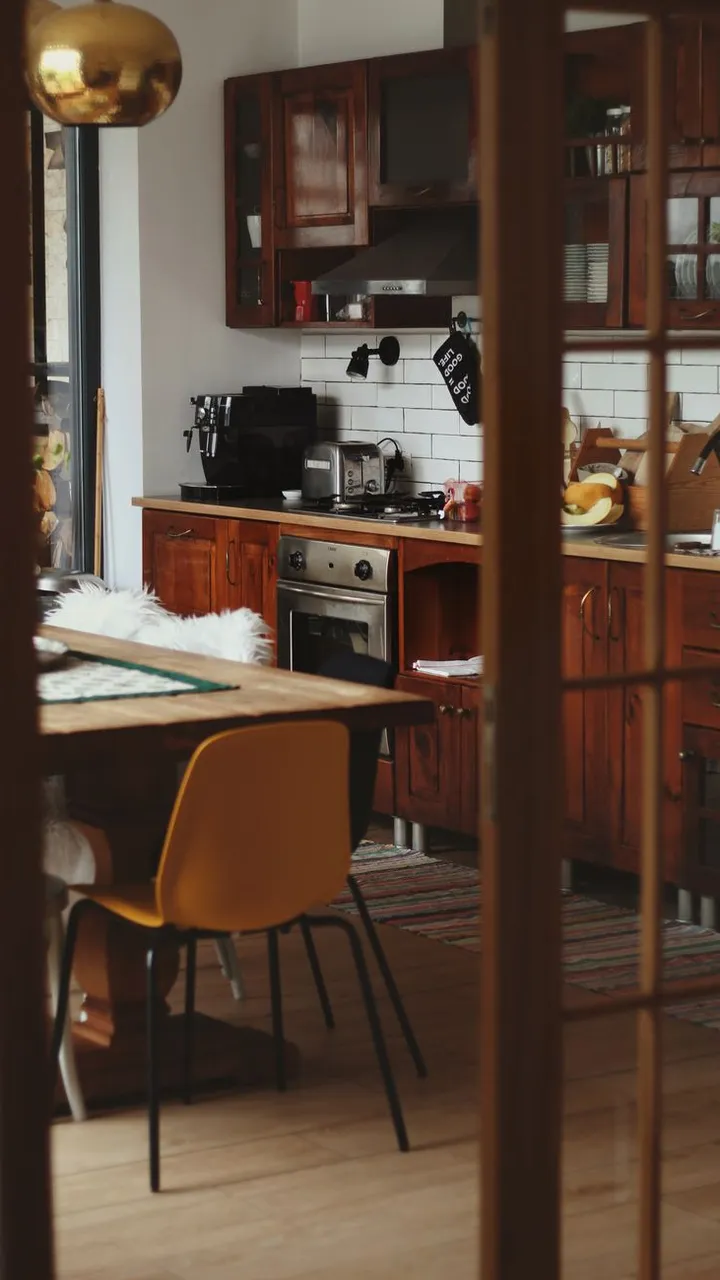
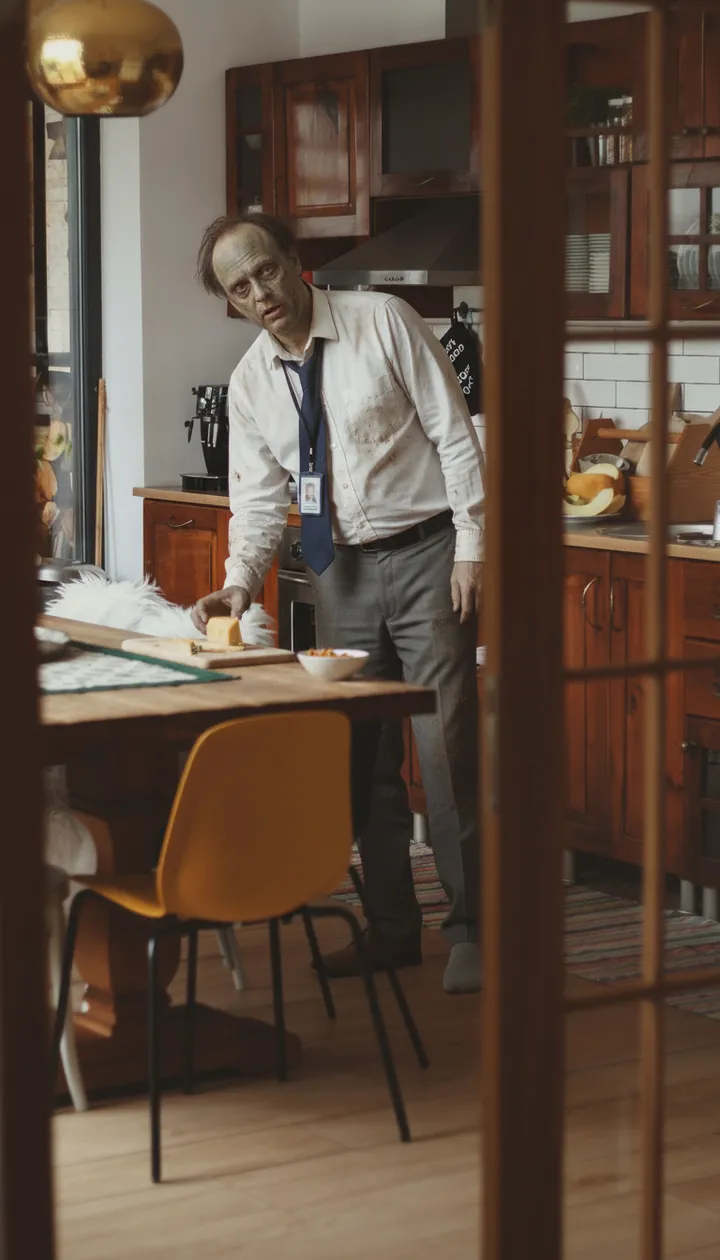
How it fooled a mom
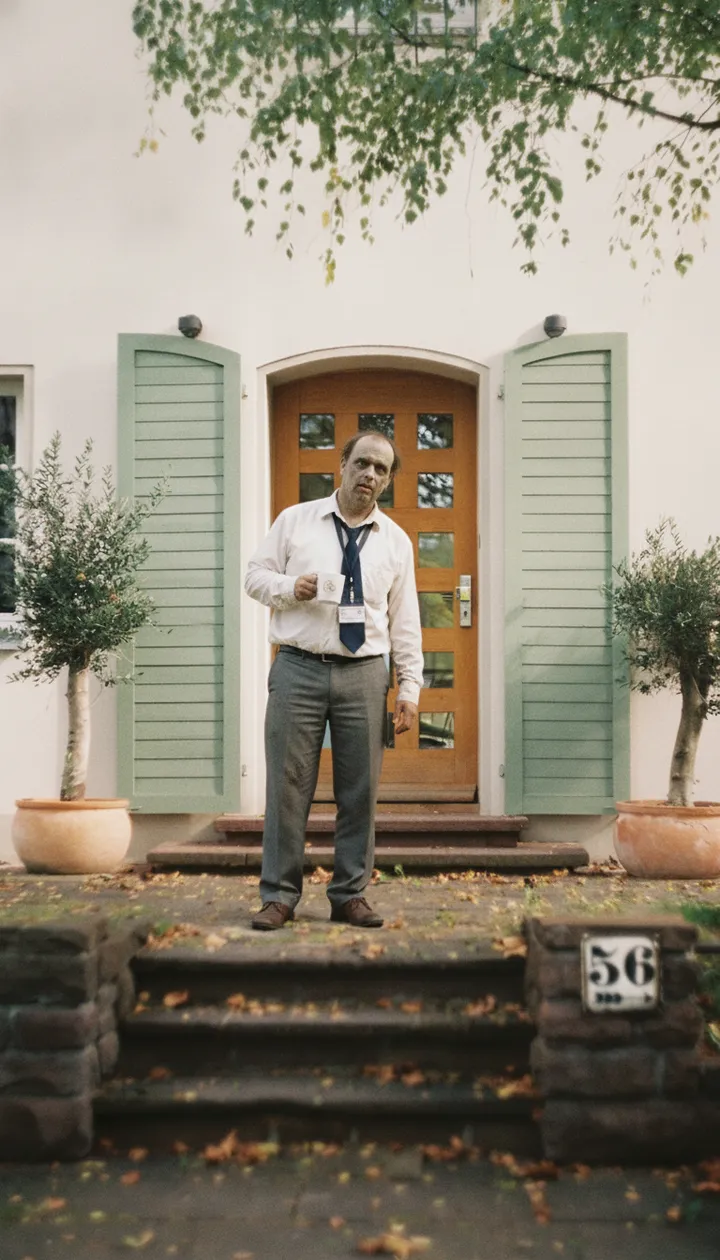
our new neighbour came by
Be nice and invite him in
he's raiding the fridge
Make him a sandwich then
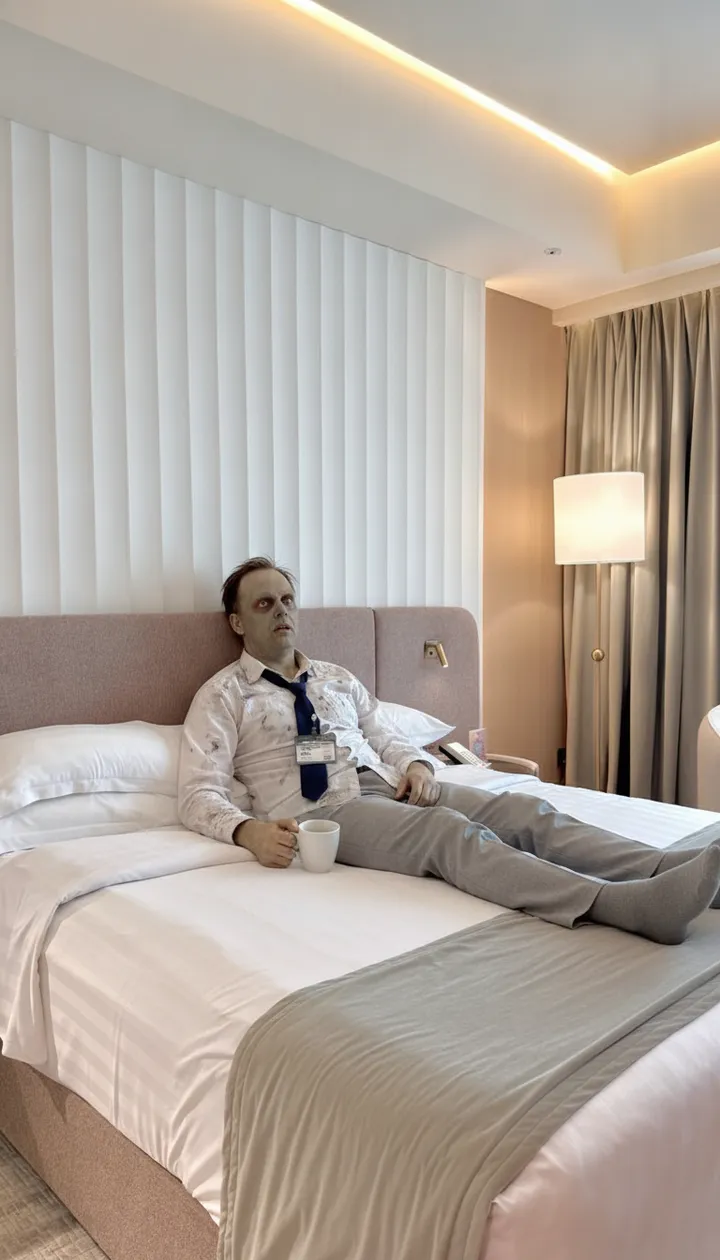
now he's napping in my bed
Never mind. Don't be that nice
Then the reveal: "It's a prank 🎃". Everyone laughs.
Room photo: Ioana Motoc on Pexels